Fieldstub › Docs › Budget code errors
Every Procore budget code error on a change event line item
If you are posting change event line items into Procore and getting a 400 about a budget code, there are only four errors you can be looking at, and each one means something different. This page has all of them with the exact response body.
The more important half is at the bottom: two malformed budget codes do not error at all. They return 200, the line item is created, and the money lands on a code nobody reviews. If your integration is quiet and your costs are wrong, that is what happened.
The full matrix#
One valid control and five ways to get it wrong, all posted to POST /rest/v1.0/change_events/{id}/line_items?project_id={project_id}.
| What you send as budget_code | Status | Response |
|---|---|---|
{ "id": 1870754 } (a real WBS code) | 200 | Created, filed correctly. This is the only form that works. |
{ "id": 99999999 } | 400 | {"errors":{"base":["Wbs Code with ID 99999999 not found"]}} |
{ "id": "not-a-number" } | 400 | {"errors":{"params":{"budget_code":{"id":["must be an integer"]}}}} |
| field omitted entirely | 400 | {"errors":{"params":{"budget_code":["is missing"]}}} |
{ "segment_items": [...] } | 200 | Created, filed blank. No error, no warning. |
{} (empty object) | 200 | Created, filed blank. No error, no warning. |
What each error means#
budget_code: ["is missing"]: you omitted the field. Line items will not be created without it, which is the one place Procore is strict. A bare cost_code_id gets the same error, because a cost code is not a budget code.
budget_code: {id: ["must be an integer"]}: you sent a string. Usually a code read out of a spreadsheet or a query parameter that never got cast.
base: ["Wbs Code with ID 99999999 not found"]: the most useful error Procore returns, because it is the only place in the whole exchange that names the entity out loud. The field is called budget_code and it wants a WBS code id. Those are the same thing under two names, and the error is where you find out.
That last one is also what you get if you post a budget line item id, which is a different object with its own ids. It looks like a plausible number and it is not the right one.
The two that do not error#
Both of these were created successfully and both landed on the project blank WBS code, id 1870469, flat_code: "":
"budget_code": { "segment_items": [ { "segment_id": 1, "segment_item_id": 2 } ] }
"budget_code": { }
The segment_items form is the one people reach for, because it mirrors how the work breakdown structure is actually shaped and it is what the WBS endpoints hand you. It is accepted and thrown away.
The empty object is worse, because it is what a serialiser produces when the code you meant to attach was null. Nothing in your code is obviously broken. Nothing in the response says anything is wrong. The line item exists, the amount is right, and the cost is filed where nobody looks.
An integration built on either form passes its own tests. It writes clean 200s in production for months, and the first person to notice is whoever reconciles the budget.
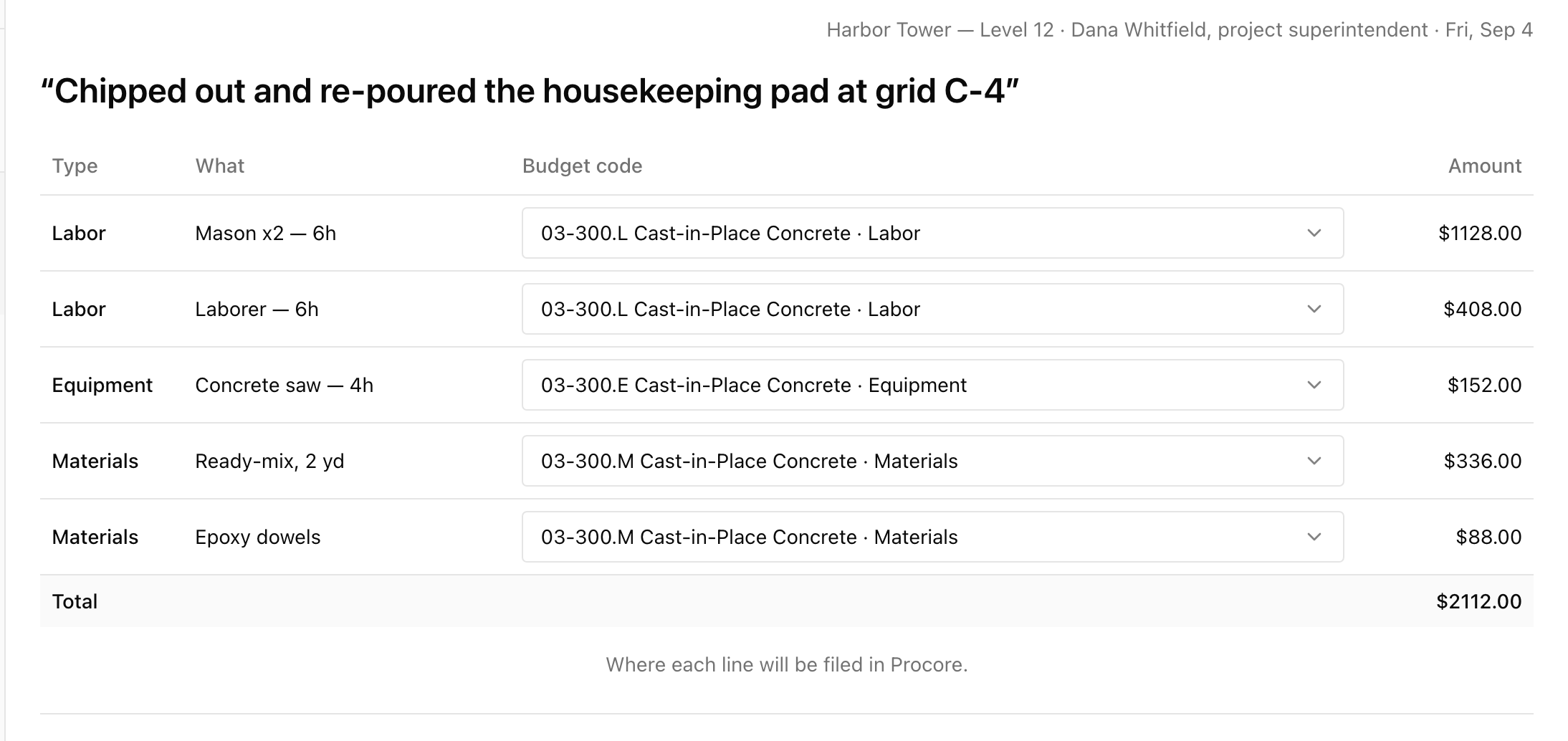
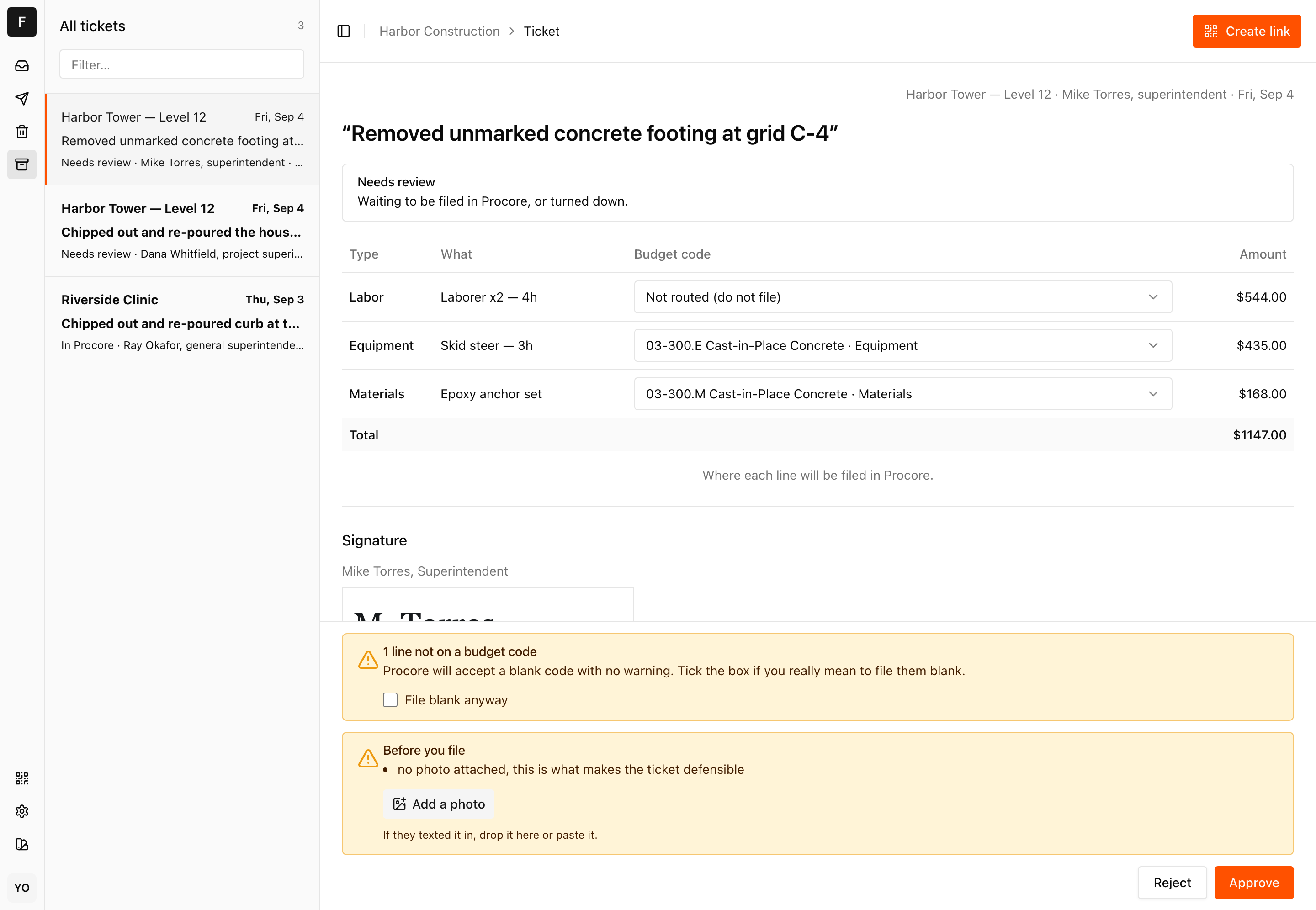
And the other half of that: a line the router could not place does not quietly go anywhere.
How to get a real WBS code id#
List them for the project:
GET /rest/v1.0/projects/{project_id}/work_breakdown_structure/wbs_codesEach has an id and a flat_code that reads as cost code plus cost type letter, like 01-000.E. The letters are Labor, Materials, Equipment, Other. Post the id, not the flat_code.
The catch, and it is the one that makes this hard rather than tedious: a WBS code only exists for a cost code and cost type combination that is already in the budget. Extra work is unplanned by definition, so the code you need is routinely the one that does not exist yet. Procore budget codes and the blank code trap covers what to do about that.
Checking whether it already happened to you#
Read your line items back and look at the budget code you got, not the one you sent:
GET /rest/v1.0/change_events/{id}/line_items?project_id={project_id}Any line where budget_code.flat_code is an empty string is filed blank. If you are seeing your own project blank code id repeated across line items that were meant to be different, that is this bug and not a data problem.
200 passes on both of the broken forms. A test that checks the returned budget_code.id matches the one you sent catches it the first time.Questions
What does "Wbs Code with ID not found" mean in Procore?
The id you sent in budget_code does not match any WBS code on that project. Procore calls the same object a budget code in the field name and a WBS code in the error. List them at /rest/v1.0/projects/{project_id}/work_breakdown_structure/wbs_codes and post the id from there.
Why is Procore saying budget_code is missing when I sent a cost code?
A cost code is not a budget code. Line items need a WBS code id, which represents a cost code and cost type combination that exists in the project budget. Sending cost_code_id returns the same missing error.
Why did my change event line item get a blank budget code with no error?
You sent either the segment_items form or an empty object. Both return 200, create the line item, and file it on the project blank WBS code. Verified against a Procore sandbox on 29 August 2026.
Does Procore validate that a budget code was actually chosen?
No. It validates that the field is present and that an id, if you send one, resolves to a real WBS code. An empty object satisfies both checks and means nothing, so it passes.
Put a code on one job and see what comes back.
Fieldstub turns a phone and a QR code into a signed Change Event in Procore. The field needs no login and no seat.
Start free